Management Portal
After reading this, you can explain the tasks performed in the fiskaltrust.Portal.
The fiskaltrust.Portal is the central management dashboard for your fiskaltrust account and services. It covers your account and company data, PosOperator associations, configuration and rollout of your Middleware instances, and orders for products and services.
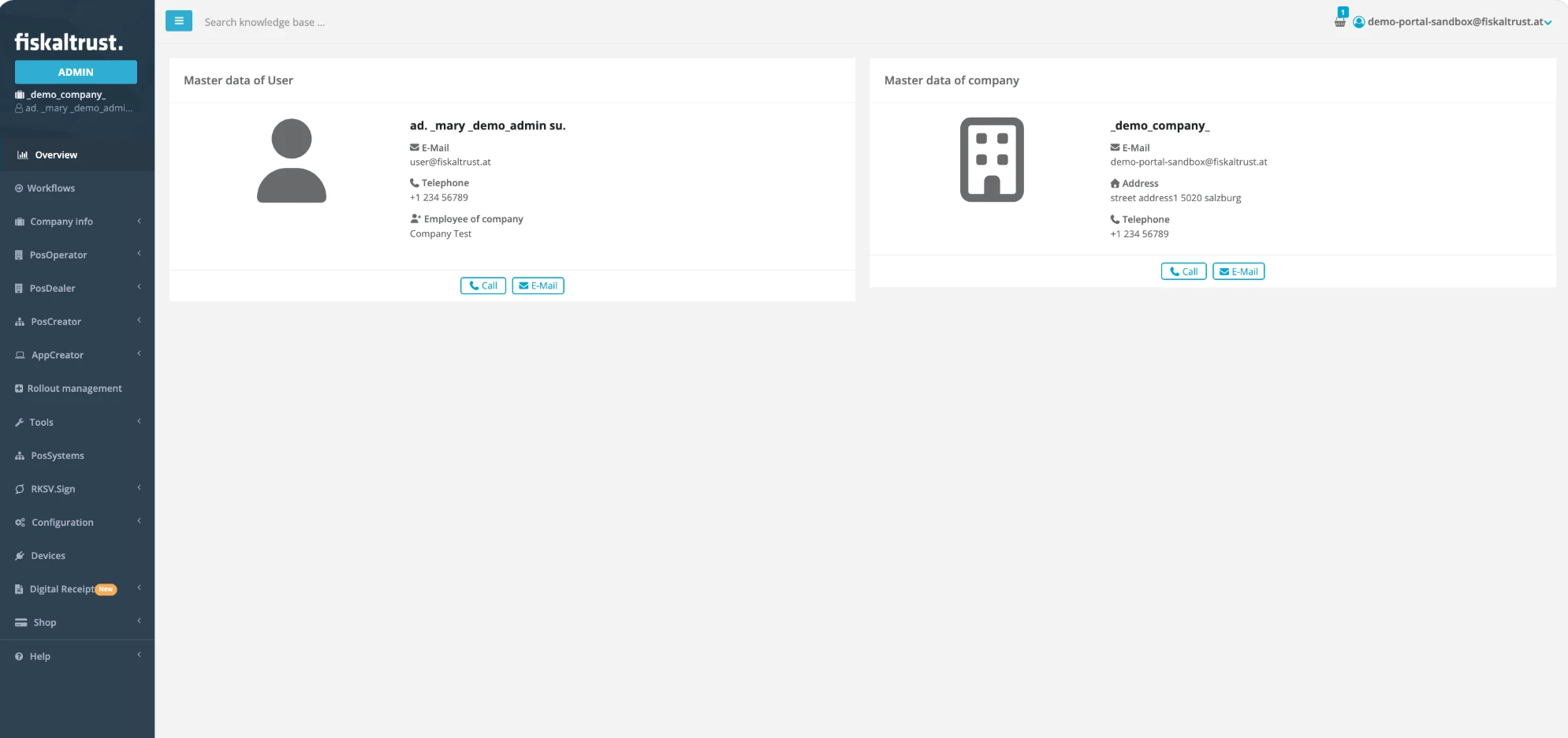
Figure 1. The Overview page of the fiskaltrust.Portal with the sidebar menu, the user and company master data, and the user menu at the top right.
| Task | Portal area |
|---|---|
| Account Management | Company info and the user menu (top right) |
| Operator Management | PosDealer |
| Surrogating | Switching into a PosOperator account |
| Data Management | Tools > Exports |
| CashBox Maintenance | Configuration |
| Shop | Shop |
Table 1. Tasks in the fiskaltrust.Portal.
Surrogating lets you, as a PosDealer, perform many steps for your associated PosOperators.
Account Management
Company Info
The Company info menu contains your company's settings.
| Menu item | Use |
|---|---|
Overview | Select the applicable roles and sign the contractual agreements for your company. For more information, see Company Roles. |
Master data | Check the data for completeness and the business data for validity. |
Account settings | Show or hide the receipt check on the Queue configuration page. The receipt check displays potential issues in a Queue. |
Sales areas | Select your company's sales areas, including their sub-areas. |
Employees | Create accounts for your employees and manage their permissions. |
Payment methods | View your payment methods and your Credit Limit. |
Outlets | Add your company's outlets and their configurations. |
Agencies | Create and edit agencies with their name, address and tax identification numbers. |
Table 2. Menu items in Company info.
User Menu
Open the user menu under your name at the top right to manage your personal settings: Edit profile (contact and address details), Change password and Change username. The user menu also contains the Language section, where you switch the language of the fiskaltrust.Portal, and Sign out.
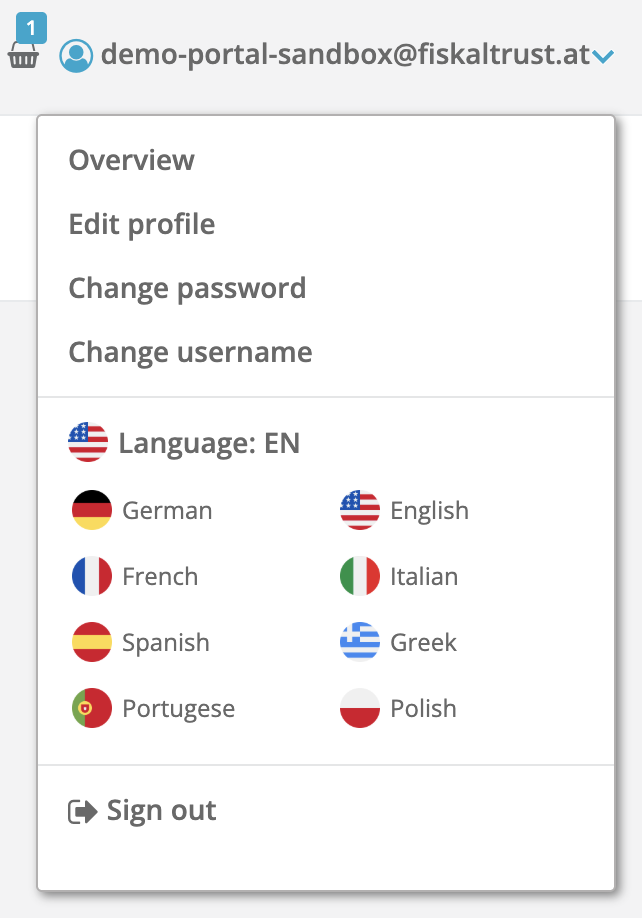
Figure 2. The user menu with the personal settings, the Language section and Sign out.
Operator Management
In the PosDealer menu, you invite your customers to fiskaltrust (Invitation) and manage their accounts (PosOperators). Once a PosOperator accepts your invitation and signs a contract for the PosOperator role, their account is associated with yours, which enables surrogating.
For more information, see Invitation process.
Surrogating
As a PosDealer, you can switch into the accounts of your PosOperators. Depending on the permission granted, you have:
Read Onlyaccess,Write/Readaccess, orFull (Write/Read, Contract Conclusion): write access plus the authority to sign contracts on behalf of the PosOperator.
Surrogating is an essential feature for PosDealers to establish and expand their business collaboration with PosOperators. For more information, see Surrogating.
Data Management
In Tools > Exports, you export your data by export type and by a range of receipt dates or numbers. As Export target, select for example Azure Storage or DATEV MeinFiskal. Availability depends on the country. For more information, see Exports.
CashBox Maintenance
The Configuration menu is the starting point for every CashBox. It contains CashBoxes, Queues, Helpers, Signature creation unit, Template and Update Configuration.
- Create and configure the CashBox components (Queue, SCU, and Helpers if needed).
- Assemble the components into a CashBox in
CashBoxes. - In the
CashBoxeslist, clickDownloadto get the Launcher for your target system.
To update the configuration of several CashBoxes at once, use Update Configuration.
For more information, see Manual Configuration.
Shop
The Shop menu gives access to all fiskaltrust add-on products and services, for example product bundles, hardware solutions and archives. Purchase items individually or as part of pre-configured rollout plans. For more information, see Shop and Rollout Plans.